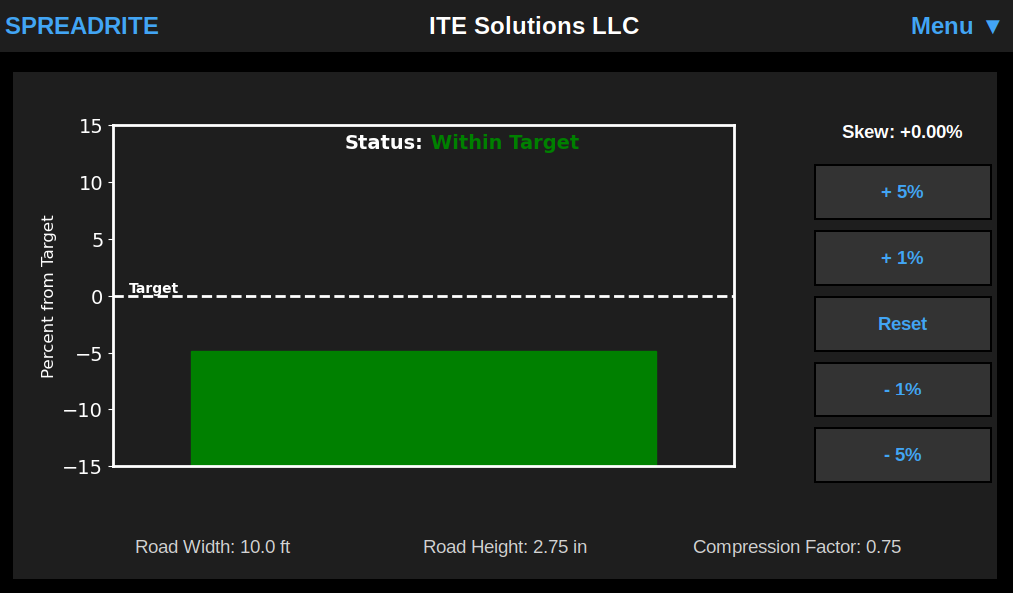
This provides real time feedback to the operator, informing if they are above, below, or within the target spread rate. On the right side of the screen skew can be applied. This allows the operator to adjust the amount of material dumped out if the paving hopper is running more on the high or low side, or if there is a temporary change in needed material amount.
Single Press Automation
Automation in Action
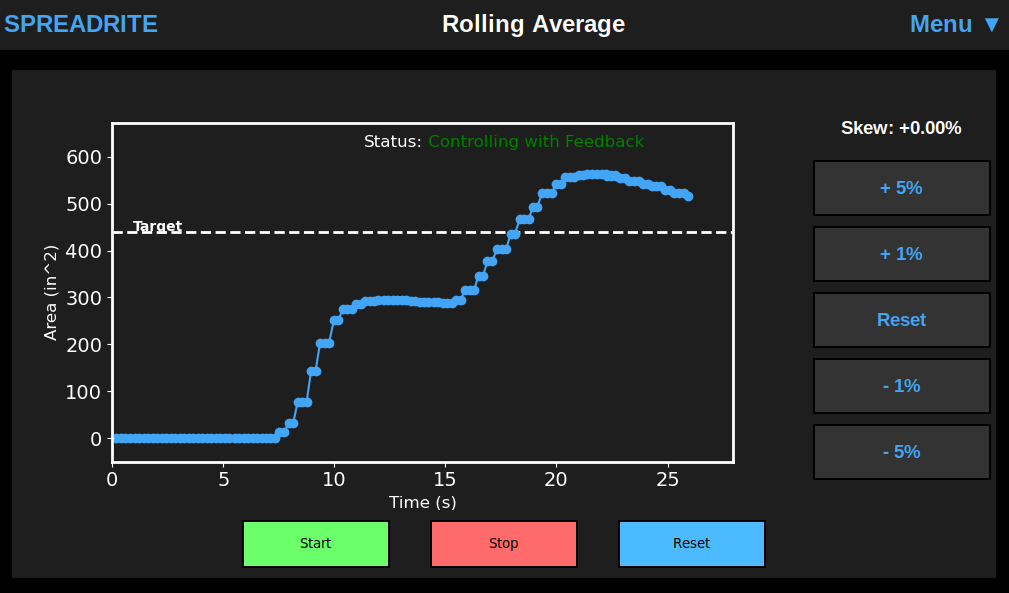
With the press of one start button, SPREADRITE will automatically dump at the perfect rate for the jobsite. To see more about how this is done, take a look into our technology that powers this capability.
Here shown is the screen to start automation and a displayed rolling average compared to the target. This gives operators the confidence that the specifications are being hit, while also allowing adjustments through the skew value.
Accuracy Metrics
Performance Page
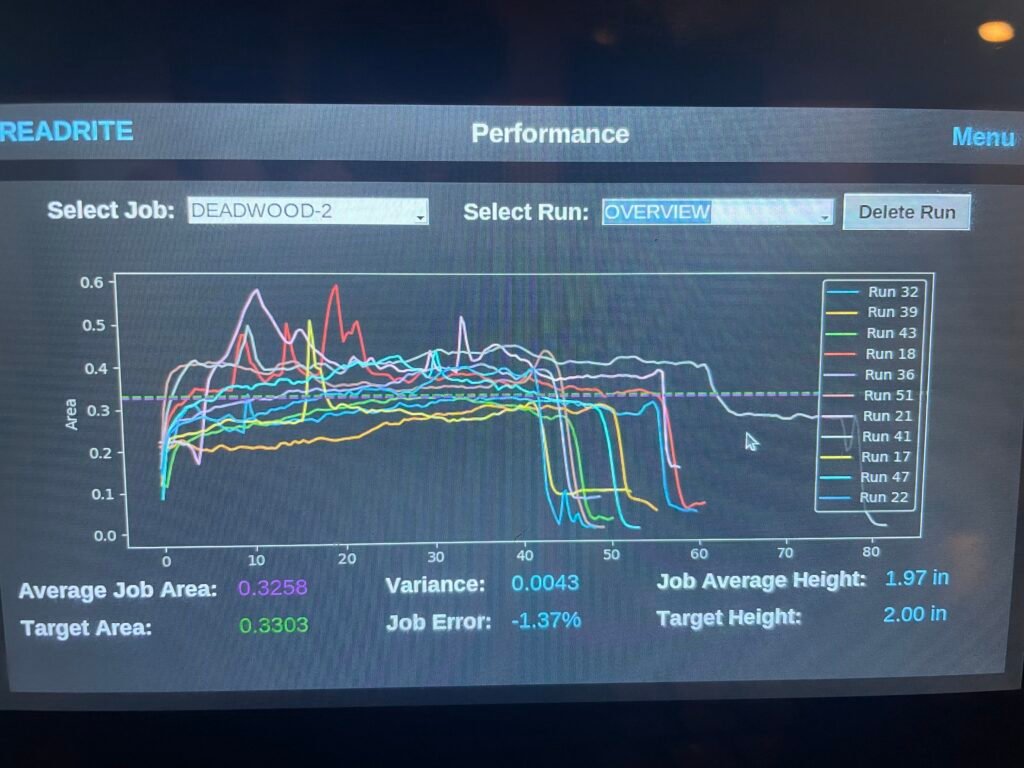
SPREADRITE can display specific runs conducted by the trailer along with an overview of all the runs done by a particular trailer for a selected jobsite. Metrics such as average area, error, and the variance between runs are displayed driving a better understanding of that operation.
System and Mounting
Display
SPREADRITE’s display mounted on the side of the trailer with magnetic mounting. Options for permanent mounting hardware also available.
Sensor
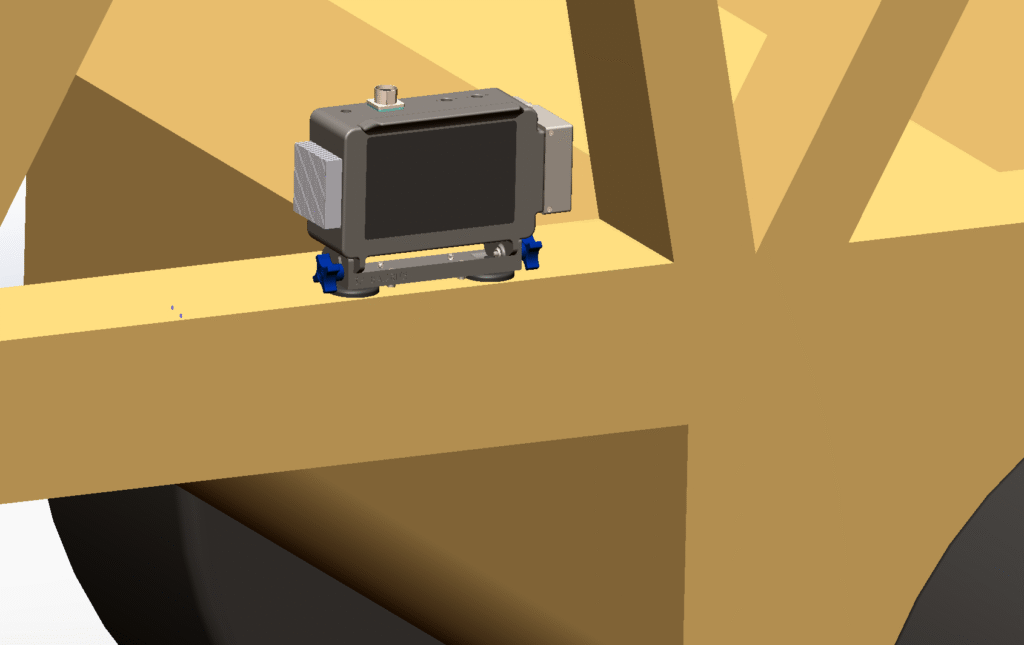
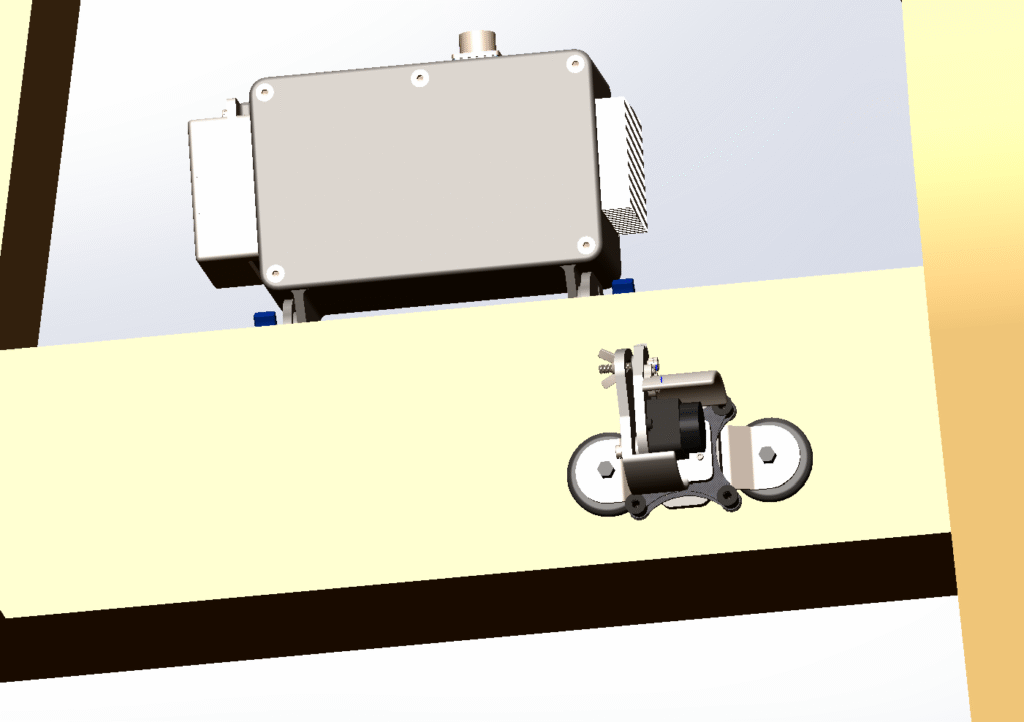
Shown here is the sensor mounted on the backside of the trailer column that the display gets mounted to. The sensor mounting is adjustable and can handle a range of mount angles. Additionally there is auto calibration software to automatically account for small discrepancies in mounting adjustments.
Wiring
SPREADRITE can easily wire into Trail King trailers and other trailers that use the common 7-way aux plug. SPREADRITE comes with a jumper that fits into the connection the standard button controls plug into.
For trailers without the aux plug SPREADRITE can also come with the needed lines to wire into any trailer that has electric over pneumatic control of its clamshell doors.